Mouse Driver & Screen Overlay
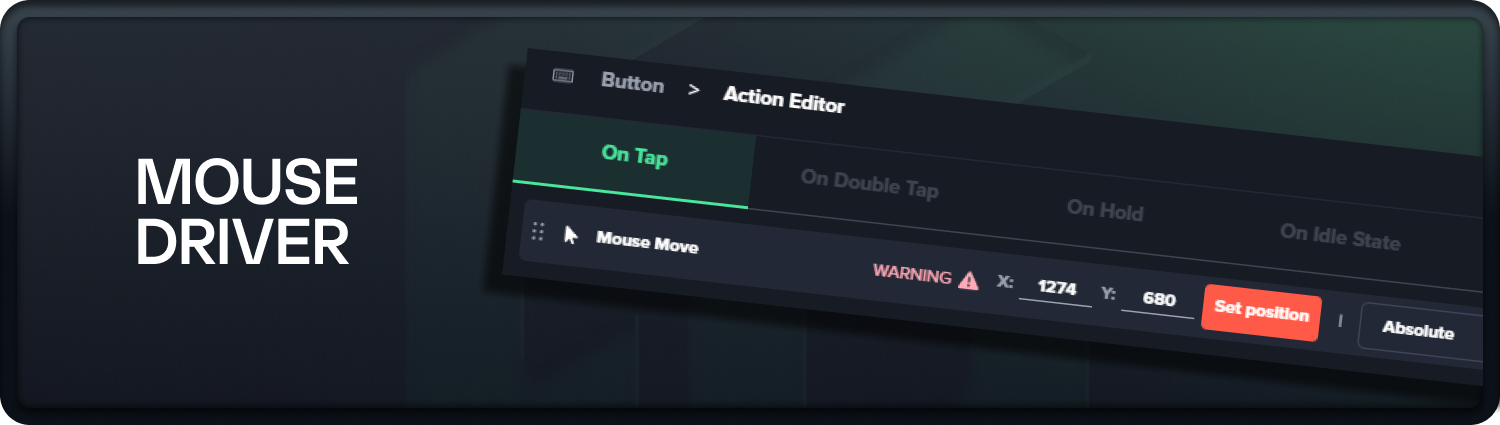
Version 7.2.3 of the GameGlass Hub app has been released, including mouse drivers.
MAJOR FEATURES:
Native Windows mouse driver
Allows the MOUSE MOVE action to work for games that block mouse emulation
Note - MOUSE MOVE using this new driver currently works on the primary monitor
Screen overlay
Invoke a transparent screen overlay from inside the Forge
Overlay covers primary monitor, and allows easy selection of MOUSE MOVE position
Ability to set absolute mouse position using overlay by clicking a location on the screen
These two features, along with the keyboard driver released previously, are part of our journey to create a new set of gameplay and immersion products coming to GameGlass later this year.
Read more about our Windows Driver features here - https://support.gameglass.gg/en/articles/11813996-the-gameglass-driver
OTHER FEATURES:
Multi-monitor support for mouse emulation (non-driver)
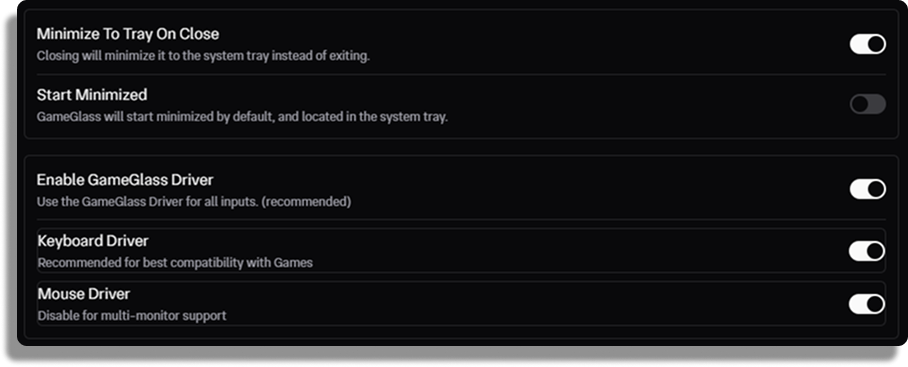
Toggle keyboard or mouse drivers on/off in settings
Ability to opt in or out of drivers when installing GameGlass Hub
Opt out flag -
/nodriverOpt in flag -
/enabledriverWorks using Command Line, Powershell, Bash emulator, etc
Note - This will prevent drivers from being installed and also prevent drivers from being installed in future updates. This is useful for remote PC situations where drivers interfere with USB HID forwarding, such as ShadowPC. Drivers can be re-enabled by re-installing GameGlass Hub with the opt in flag.
Ability to set app exit behavior - Minimize to Tray or Quit
Ability to resize the width of the Layers panel in the Forge
Performance improvements and bug fixes for Grouping and Layers
Bug fixes for ShadowPC and other cloud gaming services