What's New

Follow new updates and improvements to GameGlass.

Forza Horizon 6 Shards are here
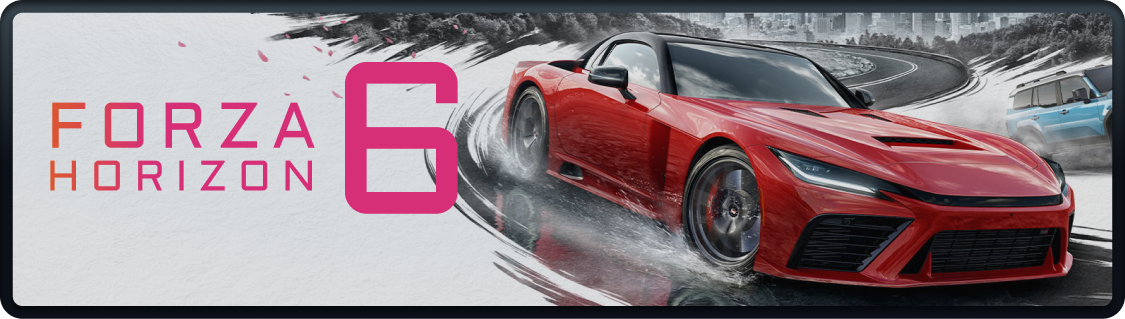
The Horizon Festival just rolled into a new city, and your GameGlass setup is coming along for the ride.
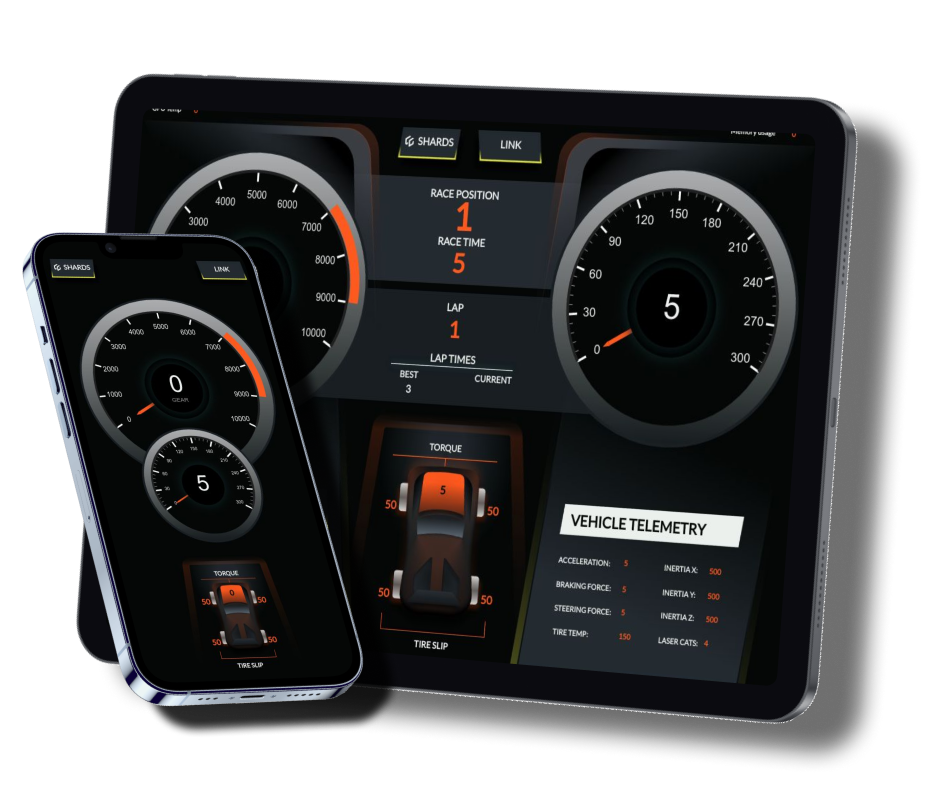
We've brought our Forza Shards across to Forza Horizon 6, packed with the same live telemetry you loved in Horizon 5: speed, gear, RPM, tire temps, etc. Right there on your phone or tablet.

What's changed:

  • Refreshed visuals: a few tweaks to keep them looking sharp for the new game

  • Remapped keybinds: everything's been re-wired to match Horizon 6's controls, so it's plug-and-play out of the gate

  • Telemetry update: Re-connected game data (note: the same data listed under “Forza Horizon 4 & 5” also works for Horizon 6).

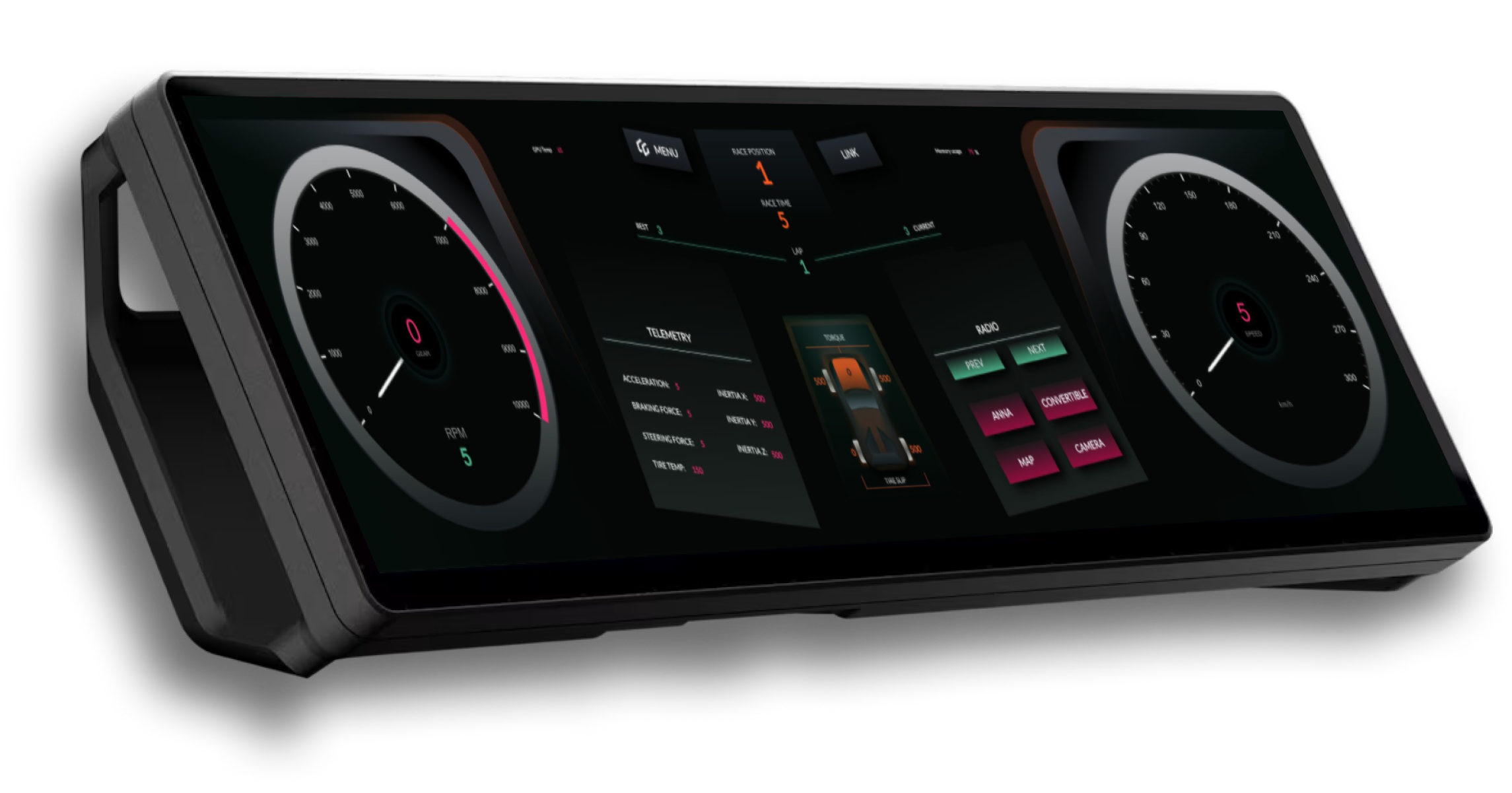
And something a little special for owners of the Corsair Xeneon Edge: we've built a dedicated Xeneon edition of the Shard. Same functionality, same live telemetry, but with a unique layout made to look right at home on that gorgeous mega-wide touchscreen.
As always, GameGlass Pro users get them free. Just open the Explore section in the GG Hub and filter for GameGlass as the creator.

PS: got a Horizon 6 layout you're proud of? Build it in the Forge and share it. We love seeing what you cook up.
NewAnnouncement

CS:2 Shard - plus HDR screenshots

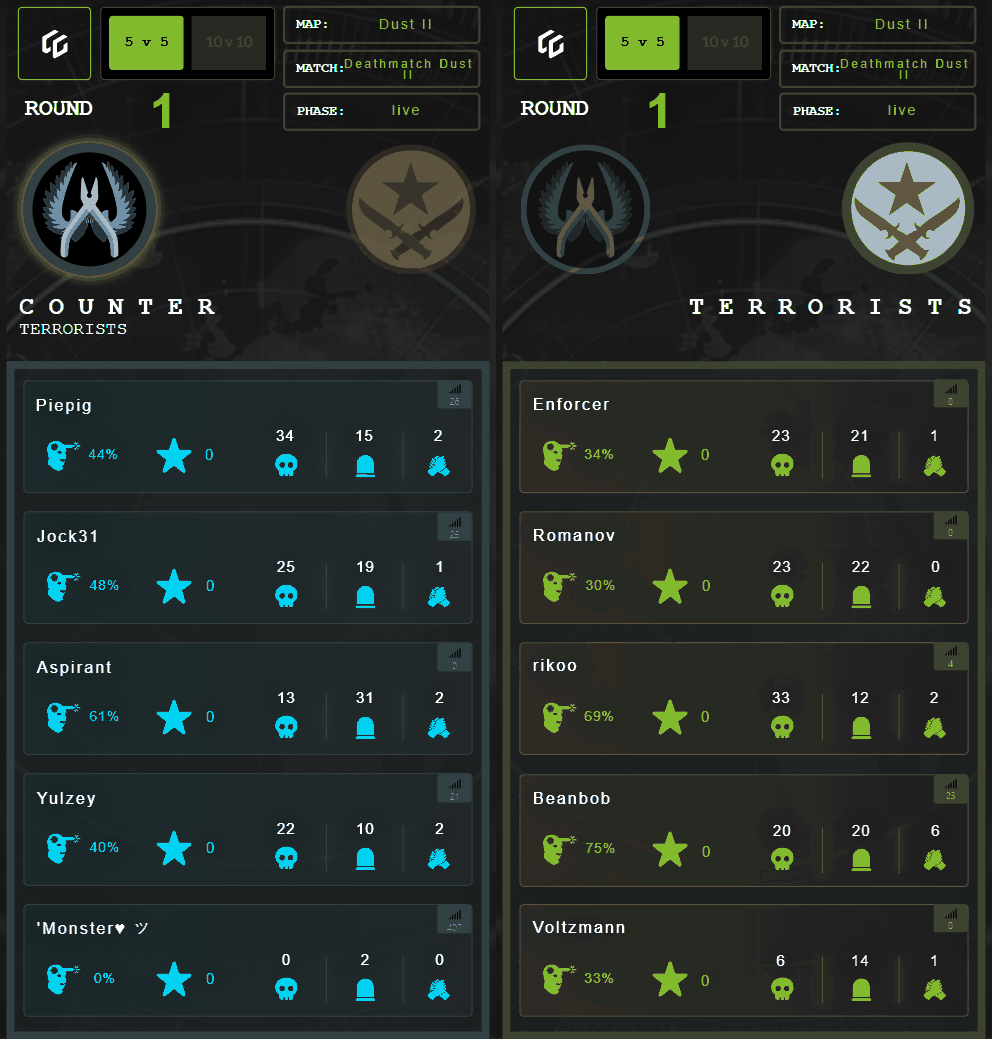
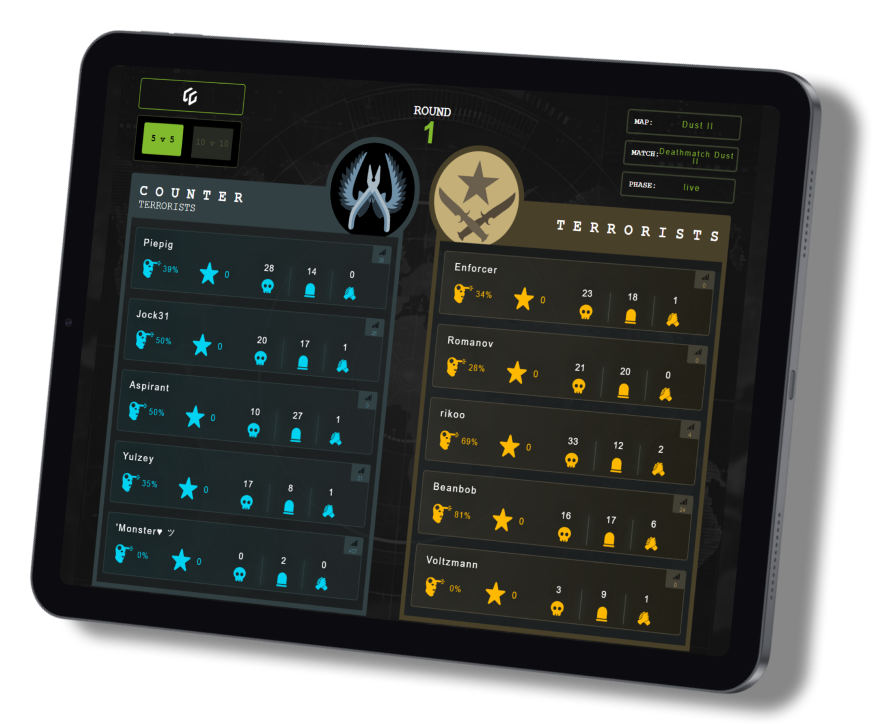
We’ve released a new Shard for Counter Strike 2, powered by live game data and great for keeping an eye on your team and the status of matches without the need to constantly open the stats screen.

As always, GameGlass Pro users get it free.

You can switch between 5v5 and 10v10, and on the mobile version you can select the team.

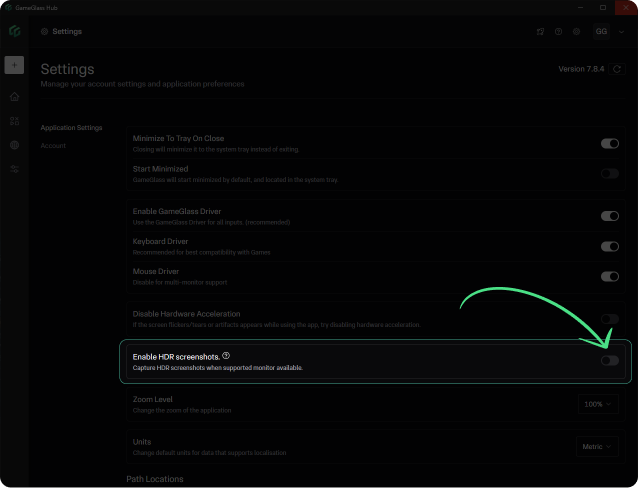
We’ve also added support for HDR screenshots. If you have a monitor that supports HDR you can toggle it on in Settings within the GG Hub app.

New

Action Engine completely re-built

We want every Shard action to be low-latency, snappy, and rock solidly reliable. So we’ve re-built our Action Engine from scratch.

Previously actions were run on the device (your phone or tablet), then sent to the Hub. This could result in unexpected delays and sequencing issues depending on the speed and performance of your device.

Actions are now run from the Hub app, meaning they run in perfect sequence and response times are much faster.

This effort was designed primarily to make key-bind and mouse events faster and perfectly sequenced. This is important for some of the in-development dial and slider components that will give you intuitive and fluid ways to interact with game commands that act like a joystick axis but are not, such as:

  • Star Citizen’s mining laser

  • MS Flight Sim’s flaps

  • Space Engineer’s block rotation

  • Euro Truck Sim’s cruise control

While it may not seem like an exciting release, this new Action Engine enables a whole suite of brand new types of interactions and components that we can’t wait to show (anyone want an LCARS-style draggable throttle component for No Man’s Sky?).

Release notes for Hub 7.8.0:

  • Actions Engine re-built

  • Action events are now fully centralized in Hub

  • All actions are now fully sequential (except for sounds and screenshots as they do not need to be in sync with game inputs)

  • Fixes an issue with Write Text action getting out of sync. You can now add a key-bind after the Write Text action (like anEnter) without the need for a custom delay action

NewAnnouncement

Earlier updates